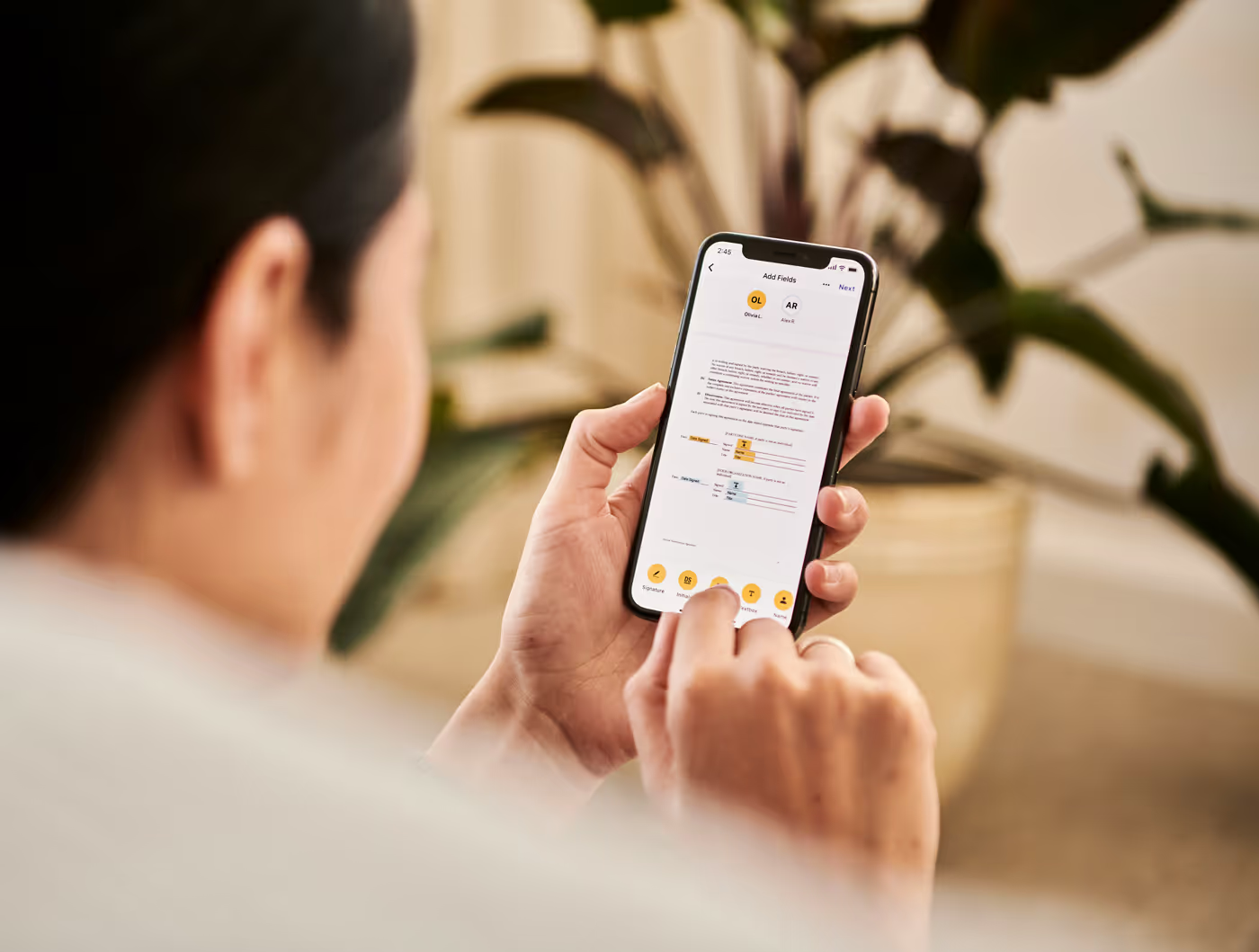



A new employee starts on Monday. The MacBook arrives the Thursday before. By Monday morning, it should be set up, configured for security, loaded with all the necessary apps and registered in the company directory – without anyone from the IT department ever handling the device. That is zero-touch deployment, and Apple Business makes it possible.
What is Apple Business?
Apple Business is a free web-based portal from Apple, developed specifically for businesses and educational institutions. It combines device procurement, app distribution and MDM integration in one central management interface. Apple Business is not an MDM solution itself – it is the interface that enables MDM systems such as Jamf or Intune to configure devices automatically.
How does zero-touch deployment work in practice?
The process can be broken down into four steps:
- The device is procured through an authorised reseller such as Denkform and registered in Apple Business in the process (Automated Device Enrollment). From this point on, the serial number is linked to the company account.
- The device is shipped – either directly to the employee or to the office location.
- The employee switches the device on. On first start-up, macOS or iOS recognises that the device is assigned to an organisation and automatically connects to the MDM system.
- From this moment, Jamf or Intune takes over: apps are installed, security policies configured, Wi-Fi profiles set up and user accounts created – all fully automatically, without manual intervention.
The result: the device is fully ready for use the first time it has completely started up. The IT department has never physically touched it.
What are the requirements?
For zero-touch deployment with Apple Business, companies need three things: first, an active Apple Business account (free of charge; setup takes one to two days); second, a compatible MDM solution such as Jamf Pro or Microsoft Intune; and third, the purchase of devices through an authorised reseller who activates Apple Business enrolment directly at the point of purchase.
The last point is often overlooked: devices from the regular Apple Online Store or from third-party vendors without an Apple Business partnership cannot be added to Automated Device Enrollment. As an Authorised Apple Reseller and Apple Business Partner, Denkform automatically carries out Apple Business registration for every device it procures.
What can be rolled out automatically?
- Apps — Microsoft 365, Slack, Zoom, corporate VPN, internal tools
- Security — FileVault encryption, Gatekeeper, screen lock, firewall
- Network — Wi-Fi profiles, VPN configuration, certificates
- Users — Azure AD / Okta login, mail account, calendar access
- Management — Asset tracking, inventory, remote wipe authorisation
What remains manual?
Full automation is possible, but not always advisable. Initial user passwords, personal preferences, or access to sensitive systems can deliberately be left manual—as a controlled intervention point in an otherwise automated process.
Conclusion
Zero-touch deployment is no longer a technology of the future—it is the current standard for companies managing more than twenty Apple devices. The barrier to entry is low: an Apple Business account, an MDM system, and a partner who enrols devices directly in Apple Business are all it takes. Denkform supports companies from the first device to a company-wide rollout across multiple countries.