Get in touch
We are just a click or a call away – personal, direct and uncomplicated.

+49 611 711857-0

hallo@denkform.net

Zanggasse 6
65719 Hofheim am Taunus

Monday to Friday 8:30–13:30 and 14:30–17:00 (Friday until 15:30)

From hardware to software - technology that connects
As a full-service partner, we are your go-to source for hardware and software solutions that deliver technological excellence. Denkform is an authorized Apple Business Partner with over 25 years of experience. We source, configure, and deliver Apple hardware ready for immediate use to 36 countries.


Your advantages with us

Personal and close
Direct contact instead of impersonal online ordering.


Real experience
We have been offering comprehensive, independent advice tailored to your individual requirements for over 25 years.

Long-term partnership
As your point of contact, we remain at your side to meet your long-term requirements on an ongoing basis.

Direct and sustainable
Direct delivery from the manufacturer to you ensures a faster, cost-effective and sustainable solution.
Our certifications
Trust through tested standards






For all those who want to achieve more

B2B
Trade, business, SME & enterprise, self-employed

EDU
Education, research & teaching Institutions, educational companies, authorities, associations
Portfolio
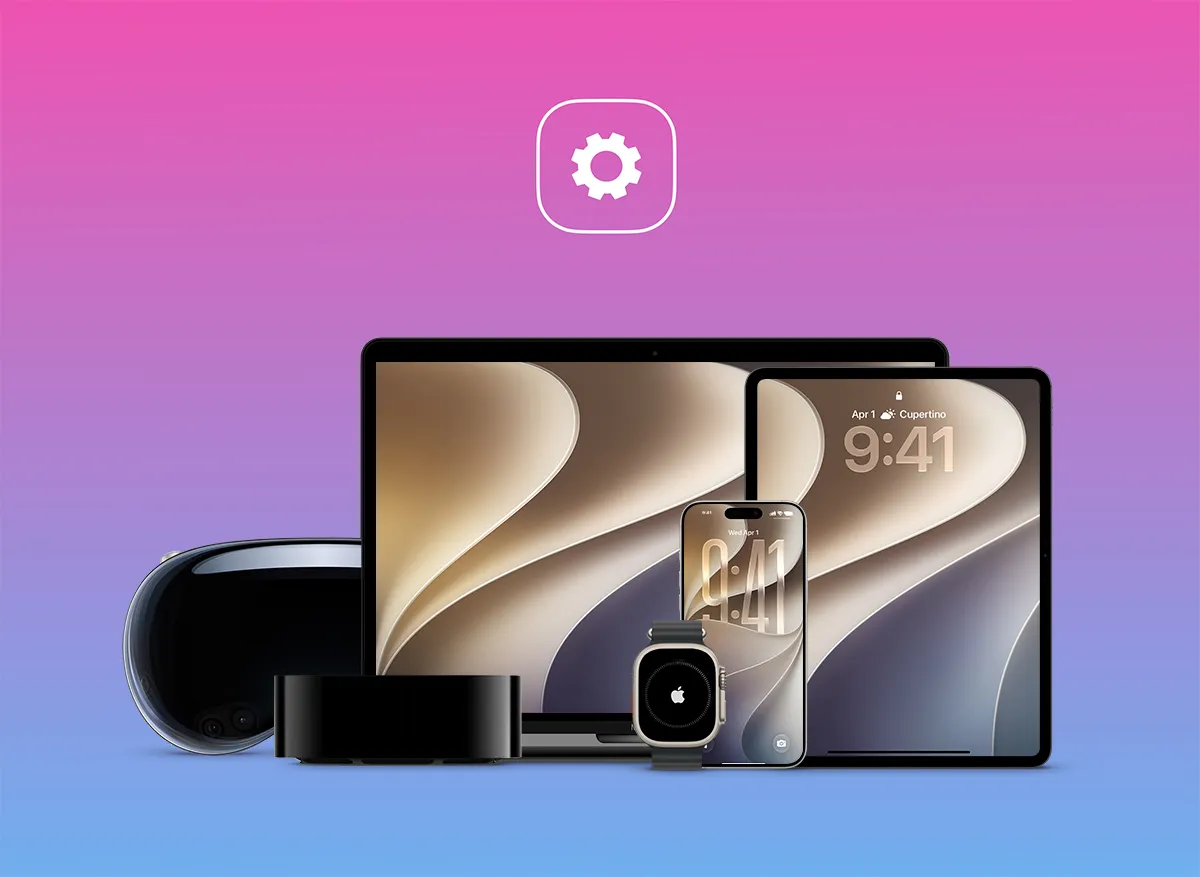

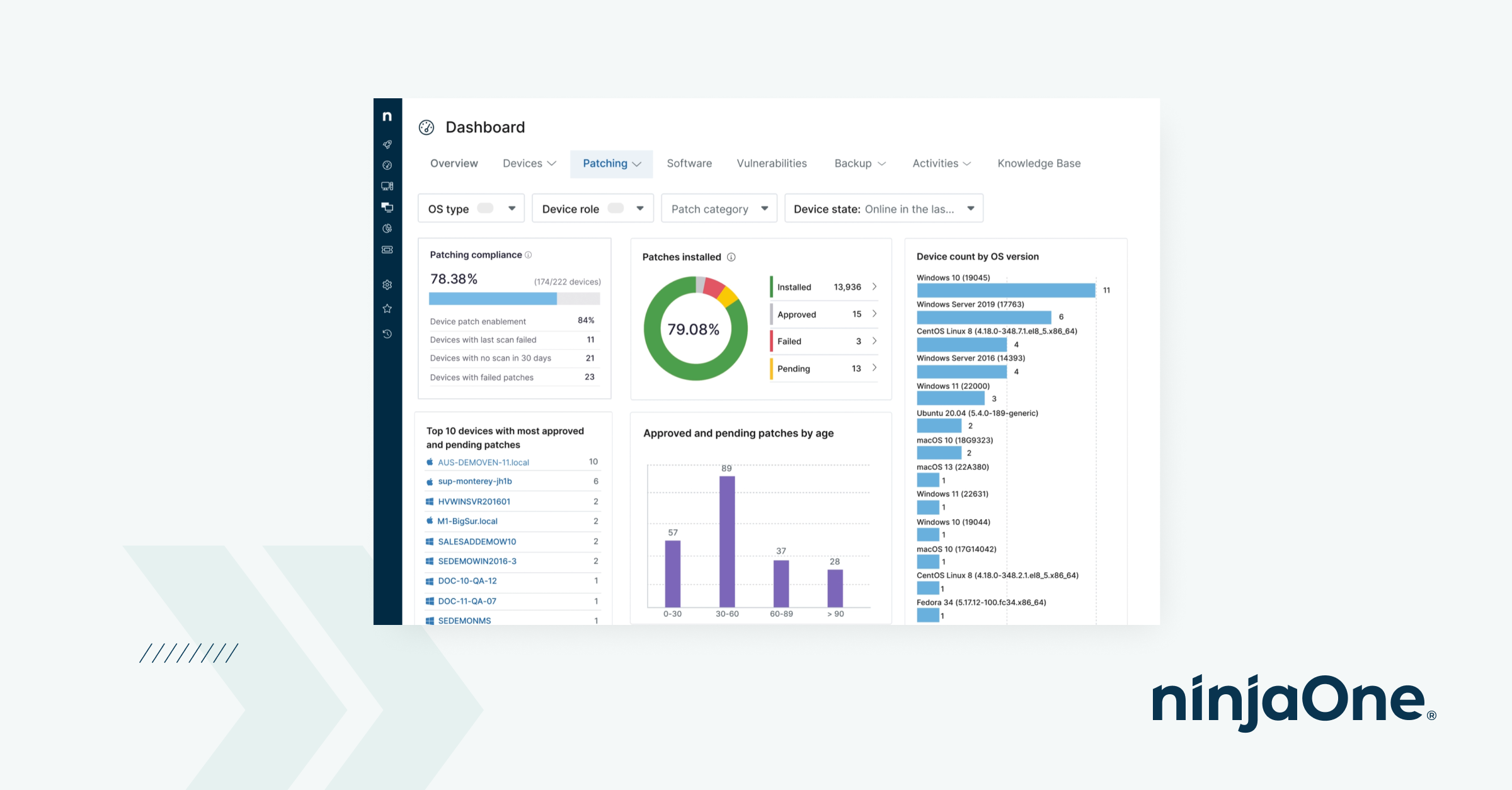






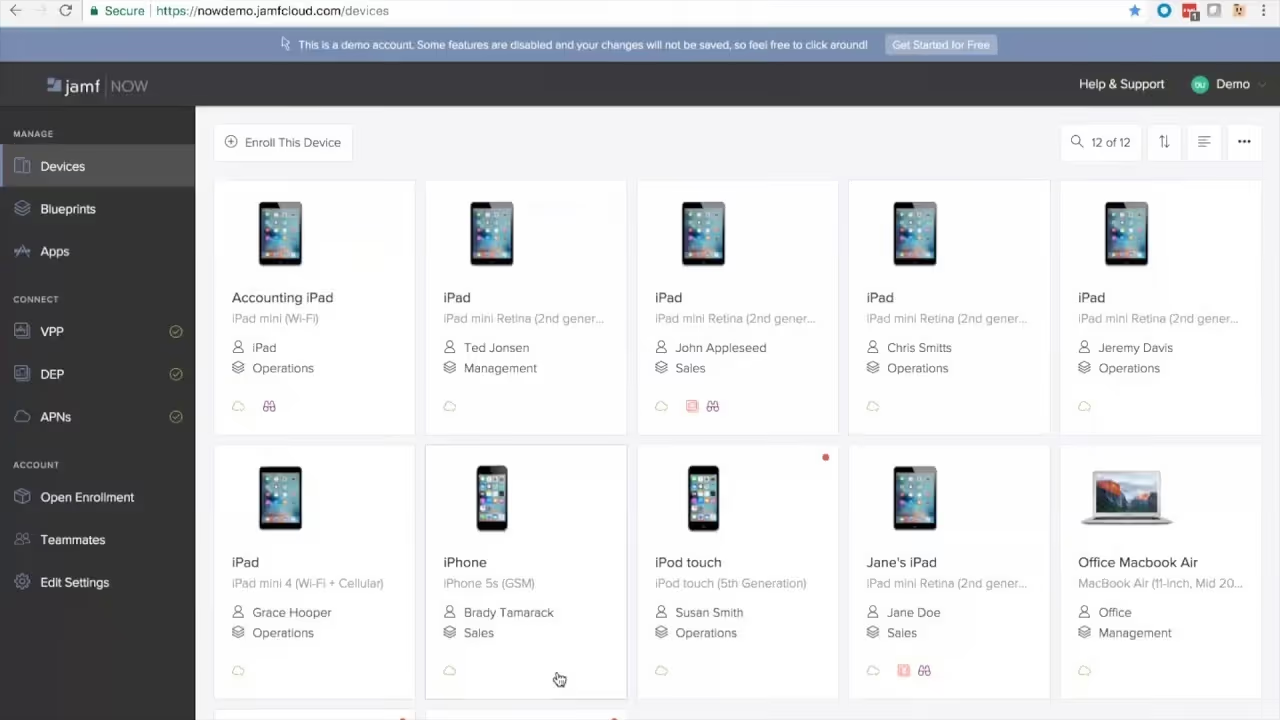


Training courses, seminars, workshops & webinars
We offer practical training courses, seminars, workshops and webinars for beginners, experienced users and professionals.
Our training courses cover a wide range of IT topics - from the efficient use of Apple products to professional development with FileMaker.

Success Stories


Frequently asked questions


Service & Support
Is Mosyle also suitable for schools and universities?
Yes, that is where the provider’s roots lie. In 2016, Mosyle built the first Apple MDM specifically tailored to the education sector and, according to their own figures, is used by more than 25,000 schools. Consequently, features for classrooms, device distribution to rotating users, and integration with Apple School Manager are highly mature. For educational institutions, Mosyle is one of the strongest options on the market.
Is Mosyle GDPR compliant?
Mosyle declares GDPR compliance and has been SOC 2 Type II certified since 2020. Before implementation, we will work with you to verify exactly where your data is processed and whether this aligns with your internal requirements, including the data processing agreement. If hosting in Germany is a mandatory requirement, we recommend Relution.
How complex is it to switch from an existing MDM solution?
Significantly less than it used to be. Since Apple introduced native support for switching MDM providers, devices generally no longer need to be reset for a migration. Mosyle also offers an extended trial period, allowing you to run the platform in parallel with your existing solution. We plan the migration with you, onboard devices in stages, and support you throughout the entire transition until completion.
How much does Mosyle cost?
Mosyle is transparent about its pricing. A free version is available for up to 30 devices. Beyond that, the manufacturer lists basic device management at approximately $1 per device per month, while the "Fuse" all-in-one packages—which include security and identity features—are around $1.50 for iPhone and iPad and around $3 for Mac. These rates are based on annual billing with a minimum of 30 licenses, as of October 2026. Apple TV and Apple Watch are included at no extra cost. We would be happy to provide a specific quote based on the number of devices you have.
What sets Mosyle apart from Jamf?
Both platforms are dedicated exclusively to managing Apple devices. Jamf has been on the market significantly longer, boasts a larger partner and integration ecosystem, and is widely used in very large-scale environments. Mosyle distinguishes itself primarily through its architecture: device management, endpoint security, web filtering, and identity management are all part of the same product, whereas Jamf requires licensing these as separate modules. Which solution is the right fit depends on your device count, security requirements, and existing integrations—we can help you evaluate this for your specific situation during a consultation.
Which devices can Mosyle manage?
Mac, iPhone, iPad, Apple TV, Apple Watch, and Apple Vision Pro – exclusively Apple. Windows and Android devices are not supported. This specialization is precisely why Mosyle often supports Apple features earlier and more deeply than cross-platform tools. If you manage mixed fleets, Microsoft Intune, NinjaOne, or Relution are the better choice.
Can NinjaOne be integrated with existing systems?
Yes. The platform offers integrations with common systems, including Microsoft Intune, CrowdStrike, SentinelOne, Okta, and ServiceNow. We will determine which of these are relevant for your specific needs during the analysis phase.
How does this differ from Jamf or Relution?
Jamf specializes in Apple and offers the deepest integration for those devices, while Relution stands out for its German hosting and GDPR compliance. NinjaOne is the right choice if you want to consolidate mobile device management and traditional endpoint management into a single tool. We can help you evaluate which of these three options is best for your specific needs.
Can personal devices be integrated?
Yes. Company-owned and personal devices can be managed side-by-side. On BYOD devices, only business data is managed and protected, while the personal area remains untouched.
Is NinjaOne also suitable for small IT teams?
Yes, it is perfect for them. The console is intentionally streamlined, onboarding is quick, and training and support are included with the product. This is a significant advantage for teams without dedicated MDM specialists.
Which devices can NinjaOne manage?
Android and Apple mobile devices, as well as Windows, macOS, and Linux computers, servers, virtual machines, and network devices—all from a single interface. This is the key difference compared to pure MDM solutions.
How long does it take to implement Microsoft Intune?
This depends on the number of devices, locations, and your current setup. A straightforward environment can be up and running in a few weeks, while we plan complex migrations involving legacy systems in stages. You will receive a reliable timeline after our initial analysis.
Can we migrate from an existing on-premises management system to Intune?
Yes. Using co-management with Microsoft Configuration Manager, you can gradually transition management to the cloud without interrupting ongoing operations. We plan the sequence to ensure a rollback path is always available.
What is the difference between Intune and Jamf?
Intune is cross-platform and integrated into the Microsoft ecosystem, with strengths in Windows and access control via Entra ID. Jamf specializes exclusively in Apple, offering a broader range of features for those devices. In mixed environments, the two can be effectively combined.
Can Intune also manage Macs, iPhones, and iPads?
Yes. Intune supports macOS, iOS, and iPadOS and integrates with Apple Business Manager and Apple School Manager. For more complex Apple requirements, we recommend combining it with Jamf – we will help you determine the best approach for your specific needs.
Is Microsoft Intune included in our Microsoft 365 license?
In many cases, yes. Intune is included in Microsoft 365 Business Premium as well as E3 and all higher-tier plans (E5, E7). Before implementation, we will work with you to review whether your current license package covers the required functionality or if additional options would be beneficial.
Is training delivered on-site or online?
Both formats are available and tailored individually.
- In-house – Denkform comes to you, preferably in the Rhine-Main region (Frankfurt, Wiesbaden, Mainz, Darmstadt)
- Nationwide – in-house training on request
- Online – live via video conference, fully interactive
How long does training take?
Duration depends on format and scope.
- Compact introduction – 2 to 4 hours
- Half-day workshop – 3 to 4 hours
- Full-day training – 6 to 8 hours including exercises
- Multi-day programmes – available on request
Who is Denkform's Apple training suitable for?
Denkform trains all user groups within an organisation – adapted to needs and prior knowledge.
- End users – macOS, iOS and iPadOS in everyday professional use
- IT administrators – ABM, MDM, Jamf, iru, Relution
- Executives – Apple productivity tools and mobile workflows
- Educational institutions – teacher training and iPad rollout
Can iru be linked to Apple Business Manager?
Yes. iru is fully integrated with Apple Business Manager (ABM). Devices procured through ABM can be automatically enrolled in iru and configured ready for immediate use – without any manual setup by the IT team (zero-touch deployment).
Does iru also support Windows or Android devices?
iru's focus is on Apple operating systems (macOS, iOS, iPadOS). For mixed environments with Windows or Android, Denkform recommends combining iru for Apple devices with Microsoft Intune or another UEM solution for the remaining platforms. We support you with planning and integration.
How does iru differ from Jamf?
iru and Jamf are both leading MDM solutions for Apple devices. iru is distinguished by its integrated identity and compliance platform – organisations get device management, passwordless authentication and automated compliance in a single product. Jamf offers a deeper ecosystem specifically for Apple-first environments and educational institutions. Which solution is the better fit depends on company size, IT infrastructure and compliance requirements. Denkform advises you independently.
What is iru and what is it used for?
iru is a cloud-based platform for endpoint management, identity management and compliance automation. It is particularly optimised for Apple environments and enables organisations to centrally manage Mac, iPhone and iPad devices, provision them securely and document them comprehensively. Denkform is an iru implementation partner in the Rhine-Main region and throughout Germany.
What should be taken into account when exporting IT products containing lithium-ion batteries?
Products containing lithium-ion batteries – which include virtually all Apple devices such as MacBooks, iPhones, and iPads – are subject to special safety regulations for air, sea, and road freight during international transport. Denkform handles the correct declaration, labelling, and processing in accordance with applicable dangerous goods regulations (IATA, ADR). You benefit from our many years of experience and don’t have to worry about the regulatory details yourself.
To which countries does Denkform ship IT products?
Companies in the following European countries: Belgium, Bulgaria, Denmark, Germany, Estonia, Finland, France, Greece, the United Kingdom, Ireland, Iceland, Italy, Kosovo, Croatia, Latvia, Liechtenstein, Lithuania, Luxembourg, Malta, North Macedonia, the Principality of Monaco, Montenegro, the Netherlands, Norway, Austria, Poland, Portugal, Romania, Sweden, Switzerland, Slovakia, Slovenia, Spain, the Czech Republic, Hungary, and Cyprus. Deliveries to other countries not listed here are possible on request.
Can Relution be run on-premises?
Yes. In addition to the cloud version, Relution offers an on-premises option for organisations that wish to run the platform on their own infrastructure – for maximum data sovereignty.
Is Relution also suitable for small businesses?
Yes. Relution scales from a few devices to thousands of endpoints. The barrier to entry is low – especially for smaller organisations without their own IT department, Relution offers a straightforward, user-friendly interface.
What is the difference between Relution and Jamf?
Jamf specialises exclusively in Apple and offers the widest range of features in pure Apple environments. Relution is cross-platform and manages Apple, Android, and Windows through a single interface – with the added benefits of German hosting and GDPR compliance. We can advise you on which solution is a better fit for your infrastructure.
Can Relution also manage Apple devices?
Yes. Relution fully supports iOS, iPadOS, and macOS – including integration with Apple Business Manager and Apple School Manager for automated enrolment and app distribution via the Volume Purchase Program (VPP).
What types of organisations is Relution suitable for?
Relution is suitable for businesses, schools, universities, government agencies, and public institutions of all sizes. The platform is particularly effective in situations where GDPR compliance, German hosting, or mixed device environments involving Apple, Android, and Windows are key considerations.
What is the difference between LANCOM and a consumer router?
Consumer routers are designed for home and SOHO use. LANCOM is a professional business network solution with centralised management, advanced security features, VPN support, QoS and BSI compliance – built for businesses that require stability, scalability and regulatory compliance.
Does Denkform also handle network planning?
Yes. We plan the network together with you: site analysis, dimensioning, product selection, configuration and commissioning. On request, we also take on ongoing monitoring and administration.
Can LANCOM be integrated into Apple or mixed IT environments?
Yes. LANCOM is platform-independent and works seamlessly in Apple-first environments as well as mixed Windows/Mac infrastructures. Denkform has hands-on experience with exactly these hybrid setups and handles the integration.
What business sizes is LANCOM suitable for?
LANCOM offers solutions from small single-office setups to complex multi-site enterprise environments. Denkform advises you on which product line – Entry, SMB or Enterprise – matches your infrastructure and budget.
Is Denkform an authorised LANCOM partner?
Yes. Denkform is an authorised LANCOM Bronze Partner. This means we source LANCOM products at partner conditions and hold certified expertise for consulting, planning and installation.
Does Denkform also take over ongoing operations and support after the Jamf setup?
Yes. Many of our customers hire us not only for the initial implementation, but also for ongoing operations: licence management, updates, enrolling new devices, policy adjustments, and support in case of problems. Talk to us about a suitable support model.
Can Jamf be integrated into an existing Windows or Microsoft 365 environment?
Yes. Jamf Pro and Jamf Connect integrate directly with Microsoft Entra ID (Azure AD), Intune, and Microsoft 365. This allows Apple devices to be integrated into a mixed Windows/Apple environment without having to set up a separate infrastructure. Denkform has experience with precisely these types of hybrid deployments.
Is AppleCare really worth it for businesses?
For a single device, the calculation is straightforward. For a fleet of 20, 50 or 100 devices, AppleCare+ typically pays for itself through avoided repair costs after just a few incidents per year – with the added benefit of fixed monthly costs for predictable budgeting.
Is AppleCare available for older devices?
AppleCare+ can only be taken out for new or near-new devices. For older devices outside the AppleCare window, we'll work with you to explore alternatives.
Can AppleCare+ be booked for multiple devices at once?
Yes. For business customers, AppleCare+ is available for larger device quantities. Denkform handles the booking and management centrally for your entire Apple fleet.
By when does AppleCare+ need to be purchased?
AppleCare+ must be taken out within 60 days of the device purchase. We recommend booking it directly at the time of purchase through Denkform – it saves an extra step later.
What is the difference between AppleCare and AppleCare+?
AppleCare is the free standard warranty that comes with every Apple device. AppleCare+ is the paid extension programme that additionally covers accidental damage, liquid damage and an extended warranty term.
Are Adobe products compliant with the GDPR?
Adobe Document Cloud and the other cloud services comply with GDPR requirements. For EU companies, we recommend signing the Data Processing Agreement (DPA) with Adobe – we can help you with this.
Can I also purchase Adobe licences internationally, e.g. for branches abroad?
Yes. Denkform specialises in international IT Fulfillment. We deliver and license Adobe products worldwide – including customs clearance and country-specific compliance consulting.
Does Denkform also handle licence onboarding and assignment to employees?
Yes. We will set up the Adobe Admin Console for you, create user groups, and assist with integration into your existing identity management system (e.g. Azure AD/SSO).
Can I also purchase Adobe licences as individual products without the entire Creative Cloud?
Yes. Adobe offers single-product subscriptions for Acrobat, Photoshop, Premiere Pro, and other tools. We can help you find the most economical licence combination for your team.
How does Jamf Connect make identity management easier?
Jamf Connect enables:
• Single sign-on: Users can log in to Mac devices with their cloud identities (e.g. Okta, Microsoft Azure).
• No need for Active Directory: No traditional Active Directory binding is required, which simplifies the IT infrastructure.
• Central access management: IT administrators can control access rights and authentication policies centrally.
What security features does Jamf Protect offer?
Jamf Protect provides the following security features for macOS devices:
• Malware protection: Detection and blocking of malware in real time.
• Threat detection: Identification of unusual activity and potential security risks.
• Compliance monitoring: Ensuring that devices comply with the defined security policies.
How does Jamf School support educational institutions?
Jamf School was developed specifically for the needs of schools and offers:
• Central device management: Teachers can configure student devices, provide apps and define access rights.
• Classroom management: Options for controlling devices during lessons to keep students focused.
• Security features: Protecting student data and ensuring a safe digital learning environment.
What are the requirements for shipping Apple products abroad?
All Apple products are supplied with a German power supply and the corresponding voltage. The Apple World Traveler Kit can be used for international use. We also support registration in Apple Business Manager (ABM) and Apple School Manager (ASM) free of charge, provided the corresponding organisation numbers are available.
How does payment processing work for international orders?
For companies outside Germany, payment by bank transfer is possible. Please feel free to contact us about the requirements for this. Any transfer fees incurred for payments from abroad are borne by the customer.
What international IT Fulfillment services does Denkform offer?
Denkform offers comprehensive IT Fulfillment services for companies, including the procurement, storage and shipping of IT products within the EU and EFTA. We also handle the integration of Apple devices with MDM solutions and export to certain overseas countries in compliance with all applicable regulations.
What functions does Kerio Operator offer for corporate communications?
Kerio Operator is an IP telephone system that provides companies with flexible and efficient VoIP communication. Features include call forwarding, voicemail-to-email, conference calls, queuing and call parking. It is managed via a user-friendly, web-based interface that enables quick setup and easy customisation. Thanks to support for the SIP protocol, Kerio Operator is compatible with many VoIP phones and services.
How does Kerio Control support my company's network security?
Kerio Control offers a comprehensive firewall and UTM solution for companies. It protects networks with deep packet inspection, intrusion prevention system (IPS), VPN connectivity and content filtering. The firewall analyses data traffic, blocks threats in real time and enables detailed user control. In addition, regular security updates and the integrated web filter ensure reliable protection against cyberattacks.
How can I integrate GFI and Kerio solutions into my company?
GFI and Kerio products can be flexibly integrated into existing IT infrastructures. GFI LanGuard provides automated patch management and network security, while GFI MailEssentials protects your email traffic from spam and malware. Kerio Connect provides you with a powerful email and groupware solution that is seamlessly compatible with existing systems. Kerio Control provides comprehensive network security and VPN connectivity, while Kerio Operator provides a modern VoIP telephone system for efficient corporate communications. All solutions are available both on-premises and as hosted services.
How quickly are the leased devices delivered?
The devices are delivered as quickly as possible after the contract is signed. If desired, the devices can be set up "out of the box" so that they are ready for immediate use.
Can services and software be integrated into the leasing contract?
Yes, in addition to the hardware, setup, commissioning, transport, software licences, warranty extensions and support services can also be included in the leasing contract.
What happens if a device is damaged during the leasing period?
If you have added AppleCare+ or insurance, repairs and replacement devices are covered. Otherwise, the device can be repaired or replaced after consultation with the lessor.
Is AppleCare+ included in the lease?
Yes, AppleCare+ can be added as an additional option. You then benefit from:
• Extended hardware warranty
• Fast replacement of defective devices
• Technical Apple support around the clock
What is Apple Financial Services (AFS)?
Apple Financial Services (AFS) is a leasing model specifically tailored to Apple products, offering low rates, flexible upgrades and easy management of your IT equipment.
Can I switch to newer models during the term?
Yes, many leasing contracts offer the option of upgrading to new devices during the term, so that your IT is always up to date.
What happens to the devices at the end of the leasing period?
At the end of the contract term, you have various options:
• Return of the devices to the lessor
• Purchase of the devices at market value
• Extension of the leasing contract
• Exchange for newer models
Which Apple products can be leased?
You can lease a wide range of Apple devices, including:
• MacBook Pro, iMac, Mac mini
• iPhone & iPad (incl. Pro models)
• Apple accessories & peripherals
• AppleCare+ and warranty extensions
What terms are available for leasing contracts?
Depending on your requirements, you can choose between 15, 18, 24, 30, 32, 36 or even 50 months. The term can be flexibly adapted to your business requirements.
What are the advantages of IT leasing compared to purchasing?
Leasing offers you flexible financing that allows you to use your IT infrastructure without a high initial investment. You always stay up to date with the latest technology, have predictable costs and can simply replace or take over devices at the end of the term.
What FileMaker training & support services are available?
- FileMaker training for beginners & advanced users
- FileMaker support for FileMaker development & administration
- Individual solutions & consulting
The training courses include:
- FileMaker fundamentals of database development
- FileMaker Go & mobile solutions
- FileMaker scripting and automation techniques
- FileMaker MBS Plugin workshop for advanced functions
These training courses enable companies to efficiently develop & manage their own FileMaker solutions.
How can I migrate my existing database to FileMaker?
FileMaker supports data migration from:
- Excel, Access & CSV files
- SQL databases (MySQL, PostgreSQL, Microsoft SQL Server)
- Old FileMaker versions
Thanks to automatic import functions, existing data can be transferred quickly and securely.
Does Claris FileMaker offer the possibility to automate workflows?
Yes! Business processes can be automated with Claris Connect:
- Automatic data synchronisation between systems
- Automatic email notifications & reminders
- Reports & dashboards with real-time data
Thanks to the REST API, FileMaker can be connected to over 100 third-party tools.
FileMaker Go offers the following specifically for iPhone & iPad:
FileMaker Go offers the following specifically for iPhone & iPad:
- Offline mode for use on the go
- Mobile data capture & real-time synchronisation
- Integration with camera & GPS for location data
- Push notifications via Push4FileMaker
This allows field staff, doctors or service technicians to work on the move.
How does FileMaker work in the cloud?
FileMaker Cloud is available via the Amazon Web Services (AWS) Marketplace. Advantages:
- No in-house server infrastructure required
- Automatic updates & maintenance by Claris
- Access from anywhere – ideal for remote teams
- High level of security thanks to AWS data centres
Alternatively, FileMaker can also be operated on-premises on your own servers.
How secure is Claris FileMaker?
FileMaker offers comprehensive security features, including:
- AES-256-bit encryption for stored data
- SSL-secured data transfer for web & cloud connections
- Access Control Lists (ACL) for user administration
- Active Directory & Open Directory integration for enterprise environments
In addition, FileMaker supports an Encryption At Rest (EAR) function that protects stored data from unauthorised access.
What integration options does FileMaker offer with other systems?
Claris FileMaker can be connected to other systems via the following standard interfaces:
- ODBC/JDBC – connection to SQL databases such as MySQL, PostgreSQL or Microsoft SQL Server
- XML & PHP – Web service connection and data integration
- FileMaker Data API – REST API for connecting to third-party applications
- Claris Connect – Automated workflows between FileMaker and other applications (e.g. CRM, ERP, online shops)
Thanks to these interfaces, FileMaker can be seamlessly integrated into existing IT infrastructures.
How does Claris FileMaker differ from classic relational databases?
Unlike SQL databases such as MySQL or PostgreSQL, FileMaker is a hybrid low-code system. Advantages:
- Fast customisation & development times
- No complicated SQL programming required
- Visual database creation & automation
- Optimised for Mac & iOS – but also runs on Windows & Web
FileMaker combines the flexibility of a no-code platform with the functionality of a relational database.
What licence models are available for FileMaker?
There are three main licence models:
- User Licence – Each user requires their own licence
- Concurrent Connection Licence – Allows a fixed number of concurrent users
- Site Licence – Companies purchase one licence for all employees
In addition, there are various purchase and rental options (Retail, VLA, AVLA, SLA), depending on company size and requirements.
What components does the Claris FileMaker platform include?
The FileMaker platform consists of several modules:
- FileMaker Pro – Desktop app for creating and using databases
- FileMaker Go – Mobile version for iPad & iPhone
- FileMaker Server – Server-based solution for sharing data
- FileMaker WebDirect – Access databases directly from your web browser
- Claris Connect – Workflow automation & integration with third-party providers
- Claris Studio – Cloud-based developer toolset for web applications
These components enable scalable and secure data management, both locally and in the cloud.
What does the support and assistance look like after installation?
Our support team accompanies you from the initial consultation through to long-term support. This includes:
- Individual training courses & workshops
- Technical support by phone, email or remote access
- On-site installation & Apple hardware consulting
- Regular software updates & further developments
Are there regular updates and further developments?
Yes! tomedo® offers quarterly software updates that contain new functions, legal adjustments and optimisations. These updates can be uploaded to the server with one click and automatically installed on all workstations.
How does the video consultation with tomedo® work?
The KBV-certified video consultation in tomedo® offers:
- Secure peer-to-peer connection with the highest level of data protection
- Direct integration into the patient record & appointment scheduling
- Live document exchange & joint editing during the consultation
- Compatibility with all common browsers & mobile devices
Is tomedo® GDPR & KBV compliant?
Yes, tomedo® meets all data protection and security requirements:
- GDPR & KBV certification for medication prescription & billing
- End-to-end encryption for patient data
- Secure VPN connection for external access
- Regular software updates for maximum security
What automation does tomedo® offer?
tomedo® reduces administrative effort through numerous automations:
- Live billing error checks & AI-supported billing code suggestions
- Automatic patient admission & digital medical history forms
- Appointment & recall notifications by SMS & email
- Integrated working time recording & duty rostering
- Action chains for recurring treatments & diagnoses
Can I also use tomedo® on the go or when working from home?
Yes! tomedo® enables mobile working with:
- iPad & iPhone apps for mobile documentation
- Secure VPN connection for remote access to patient data
- Offline mode for home visits & rounds
- Dictation function & photo upload directly into the patient file
Which devices & hardware are compatible with tomedo®?
tomedo® is specially developed for Apple hardware and runs optimally on:
- Mac (macOS clients & server solutions)
- iPad & iPhone (mobile use with synchronised data)
- Apple Watch (patient to-dos & appointment reminders)
- Scanners, printers & medical devices (via GDT/DICOM interfaces)
Is tomedo® suitable for all disciplines?
Yes, tomedo® is suitable for all medical specialties and offers a variety of specialist modules, including:
- Psychotherapy, dermatology, ENT, paediatricians, ophthalmologists, orthopaedics, rheumatology and many more
- Specialised forms & billing options
- Customisable workflows for different specialist areas
Which billing types does tomedo® support?
tomedo® offers complete support for:
- KV billing (EBM, HzV, selective contracts)
- Private billing (GOÄ, GebüH, PVS/PAD interfaces)
- BG billing (UV-GOÄ incl. DALE-UV connection)
- Automatic error checking & AI-supported billing optimisation
Thanks to the live billing error list, errors are recognised immediately and can be corrected before billing.
How does the migration from my previous practice software to tomedo® work?
We support you with a smooth transition to tomedo®. Our team will check the compatibility of your existing patient data, carry out a secure data migration and ensure a customised setup. This ensures that your practice remains fully operational during the changeover.
Which devices are compatible with STARFACE?
STARFACE supports a wide range of IP telephones, DECT systems, headsets and conference telephones. Existing end devices, door intercom systems and fax machines can also be integrated.
How flexible are the STARFACE licence models?
STARFACE offers three operating models:
- STARFACE Appliance – Local hardware telephone system for maximum control
- STARFACE VM Edition – Virtual solution for companies with their own IT infrastructure
- STARFACE Cloud – Maintenance-free solution with maximum scalability
With STARFACE Flip, companies can switch flexibly between these operating modes.
Can I buy STARFACE 365 (subscription model) after it expires?
No, STARFACE 365 is a rental model. Once the contract term has expired, the system cannot be purchased, but only extended or booked again.
How does support and maintenance work?
Our certified STARFACE technicians accompany you from the initial consultation through to commissioning. Afterwards, you benefit from:
- Regular software updates & security patches
- Remote support for fast troubleshooting
- Personal advice from STARFACE experts
- Detailed instructions for easy administration
- Individual maintenance contracts for maximum reliability
What security functions does STARFACE offer?
STARFACE relies on modern security standards to protect your telephony from attacks and data loss:
- Encrypted VoIP communication (SRTP & TLS)
- Firewall integration & VPN support
- Secure authentication & user rights management
- Automatic software updates for continuous security
- Separate systems in the cloud to protect client data
Can STARFACE be used in several locations?
Yes! STARFACE is ideal for companies with multiple locations. The cloud and VM solutions allow companies to use a central telephone system for all locations. Cross-location phone numbers, conference calls and shared address books are also possible.
What advantages does STARFACE offer for companies working from home?
STARFACE enables your employees to work from anywhere – whether in the office, at home or on the move. Thanks to iFMC (Integrated Fixed Mobile Convergence), smartphones can be used as extensions. In addition, softphone clients for Windows, macOS, iOS and Android are available. This keeps all employees seamlessly integrated into corporate communication.
How does the integration with existing CRM and ERP systems work?
STARFACE offers CTI integration (Computer Telephony Integration) and a TAPI interface that enables a connection to common CRM and ERP systems such as Salesforce, Microsoft Dynamics or SAP. This links incoming calls with customer data so that your employees can see relevant information directly and work efficiently.
What are the advantages of high data quality?
High data quality creates sustainable added value by:
- enabling more efficient processes,
- reducing error costs,
- supporting better decisions,
- increasing user or customer satisfaction.
How can a company improve data quality?
- Introducing clear data governance: Defining guidelines for data management.
- Data maintenance and optimisation processes: Error checking and monitoring as early as data entry.
- Employee training: Raising awareness of guidelines and processes.
- Technical solutions: Using suitable tools to control and improve data quality.
What are duplicates and why are they a problem?
Duplicates are double entries in databases caused by different spellings (e.g. “Müller” vs. “Mueller”). They are often the result of human error and can significantly impair data quality.
What are the typical causes of poor data quality?
The main causes can be divided into four groups:
- Organisational problems: No clear responsibility for data management.
- Lack of data governance: No defined guidelines or checks when data is transferred.
- Human error: Insufficient training and unclear processes lead to duplicates or inconsistencies.
- Technical challenges: Unsuitable database structures or tools for data control.
What is meant by data quality?
Data is of high quality if it:
- is accessible and editable,
- is presented in a comprehensible, uniform and consistent way,
- is relevant, up to date and complete and can be used to create value,
- is consistent, credible and error-free.
Why is data quality important?
Data quality is crucial for generating added value from data and making value-adding decisions. In the age of big data, it is essential that data is suitable and “fit for use” for the respective purpose.
Why is a collaboration worthwhile?
We offer you all-round support with solutions from a single source that guarantee you direct, rapid and sustainable success.

Product offers & advice
Product offers & advice

Delivery time & availability
Delivery time & availability

Licence management & updates
Licence management & updates

Financing & warranty
Financing & warranty

Training & education
Training & education